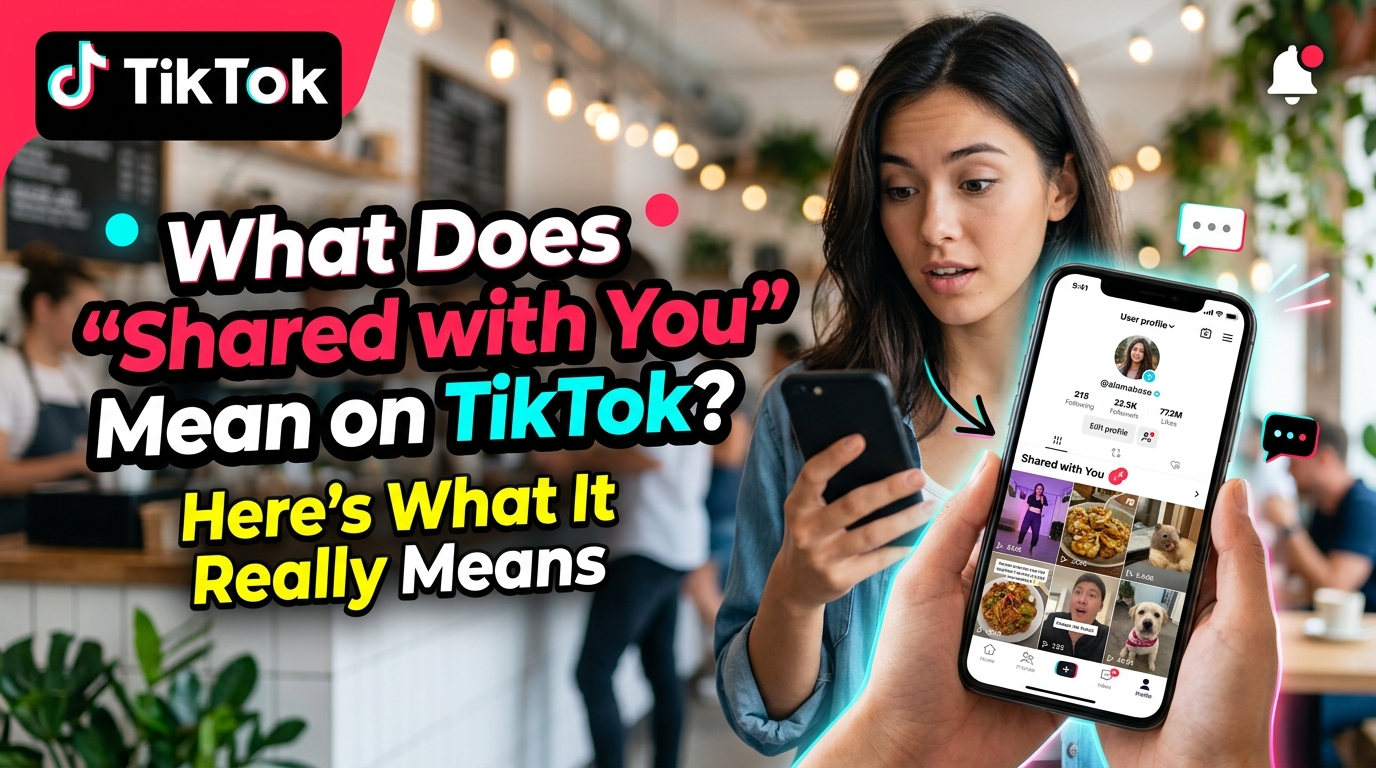
Have you noticed “Shared with You” next to a TikTok video or account and wondered what it means?
Did someone send you the video?
Did they view your profile?
Are they following you?
Here’s the short answer:
“Shared with You” is a TikTok label related to sharing activity involving you. It does not automatically mean someone viewed your profile, searched for you, followed you, or is interested in your account.
The label can be confusing, especially when it appears next to an account you don’t recognize. Here’s what “Shared with You” actually means, what it doesn’t tell you, and how it differs from TikTok’s Repost feature.
What Does “Shared with You” Mean on TikTok?
“Shared with You” generally indicates a connection between TikTok content or an account and sharing activity involving you.
That sharing activity can be related to things such as:
- A TikTok video being shared
- A TikTok link being sent
- Content you previously opened or shared
- Other sharing-related interactions
However, the label doesn’t provide a complete activity history.
It doesn’t tell you exactly who shared the content, when it was shared, or which app or method was used.
Think of it as a sharing-related clue, rather than a detailed notification showing exactly what another person did.
Why Does TikTok Show “Shared with You”?
The label is designed to indicate that there is some sharing-related connection between you and the content or account you’re seeing.
This is why it can sometimes appear unexpectedly.
You might see a TikTok account you barely recognize and wonder:
“Why is this showing up as shared with me?”
The important point is that the label alone doesn’t provide enough information to determine the exact reason it appeared.
So don’t automatically assume that the account owner searched for you or visited your profile.
Does “Shared with You” Mean Someone Sent Me the TikTok?
Possibly, but not necessarily.
TikTok content can be shared in several ways, including through:
- TikTok direct messages
- Text messages
- Messenger
- Other external links or apps
If you think someone specifically sent you a TikTok, check your recent messages and conversations.
The “Shared with You” label itself does not identify the sender.
So if you don’t find a message, you shouldn’t assume that the label tells you who shared the video.
Why Does “Shared with You” Appear Under a Stranger’s Account?
This is probably the part that causes the most confusion.
You may see:
Shared with You
under an account you don’t know.
That doesn’t necessarily mean the person:
- Found your profile
- Searched your username
- Viewed your profile
- Followed you
- Is checking your account
The label can indicate a sharing-related connection involving that account or its content, but it doesn’t reveal exactly what caused the connection.
In other words, don’t treat “Shared with You” as a hidden profile-view notification.
Does “Shared with You” Mean They Viewed My Profile?
No.
“Shared with You” is not the same thing as TikTok’s profile-view feature.
The label should not be treated as proof that someone:
- Viewed your profile
- Searched for your username
- Watched your videos
- Followed you
- Is interested in your account
If you want to know whether someone visited your profile, use TikTok’s dedicated profile-view feature rather than relying on the “Shared with You” label.
Does “Shared with You” Mean They Follow Me?
No.
“Shared with You” and Follow are separate TikTok features.
If you’re trying to find out whether someone follows you, check their actual account and Follow/Following status.
The “Shared with You” label by itself doesn’t confirm a follow.
Is “Shared with You” the Same as a Repost?
No.
This distinction is important because both involve sharing content.
Shared with You
A label connected to sharing activity involving you.
Repost
TikTok’s feature for resharing a video.
So seeing “Shared with You” does not mean that someone reposted your video.
If you’re specifically trying to understand TikTok Reposts, that’s a separate feature with its own behavior.
Does “Shared with You” Mean Someone DM’d Me?
Not necessarily.
A person can share TikTok content through a direct message, but TikTok links can also be shared through external apps and other methods.
Therefore, seeing “Shared with You” doesn’t necessarily mean you have a new TikTok DM.
If you’re trying to find out whether someone actually messaged you, the most reliable place to check is your TikTok inbox.
Does “Shared with You” Mean Someone Is Interested in Me?
Not by itself.
This is where it’s easy to overthink the label.
You might see an unfamiliar account and wonder:
“Did they look me up?”
“Are they checking my profile?”
“Do they like me?”
The “Shared with You” label doesn’t provide enough information to answer those questions.
If you’re looking for evidence of actual interaction, look for specific actions such as:
- A follow
- A like
- A comment
- A direct message
Those are separate signals from the “Shared with You” label.
Can You Turn Off “Shared with You”?
If your concern is privacy or unwanted interactions, check TikTok’s Privacy and Settings options.
Depending on what you’re trying to control, relevant settings may include:
- Who can message you
- Who can view your content
- Who can share your content
- Whether your account is private
- Profile-view settings
- Interaction and recommendation settings
TikTok’s interface and settings can change over time, so the exact option names or locations may be different depending on your app version.
Also, don’t assume that changing one privacy setting will necessarily remove every sharing-related label.
Quick Answer: What Does “Shared with You” Mean?
If you only want the answer:
“Shared with You” means TikTok has identified a sharing-related connection involving you and the content or account you’re seeing.
It does not automatically mean:
- Someone viewed your profile
- Someone searched for you
- Someone follows you
- Someone is monitoring your account
- Someone is interested in you
- Someone just sent you a TikTok
The label gives you a clue about sharing activity, but it doesn’t reveal the complete story behind that connection.
Related TikTok Questions
If you’re trying to understand exactly why TikTok is showing “Shared with You,” these related questions cover the next level of the topic.
Why Does TikTok Show “Shared With You” on Someone’s Profile?
Seeing “Shared with You” under a stranger’s TikTok profile can be confusing. Does it mean they viewed you, searched for you, or somehow interacted with your account?
The answer is more closely related to TikTok’s sharing and link-based account suggestions.
👉 Read the full explanation: Why Does TikTok Show “Shared with You” on Someone’s Profile?
Can Someone See If You Viewed a Shared TikTok Video?
If someone sends you a TikTok, you may wonder whether they can tell that you actually opened or watched it.
The answer depends on the specific TikTok viewing and privacy features involved.
👉 Read Article #3: Can Someone See If You Viewed a Shared TikTok Video?
Shared With You vs. Repost: What’s the Difference?
“Shared with You” and Repost both involve sharing content, but they are not the same TikTok feature.
One is a sharing-related label, while the other is TikTok’s specific feature for resharing a video.
👉 Read Article #4: Shared With You vs. Repost: What’s the Difference?
TikTok “Shared with You” FAQ
Does “Shared with You” mean someone sent me a TikTok?
Possibly, but not necessarily. The label doesn’t identify who shared the content or when it was shared.
Does “Shared with You” mean someone viewed my profile?
No. It isn’t a profile-view notification.
Does it mean someone follows me?
No. Check the person’s actual Follow/Following status.
Does it mean someone searched for me?
Not necessarily. The label doesn’t provide enough information to establish that.
Why does it appear under a stranger’s account?
It may indicate a sharing-related connection involving that account or its content. It doesn’t automatically mean the person visited your profile.
Is “Shared with You” the same as Repost?
No. Repost is TikTok’s resharing feature, while “Shared with You” is a sharing-related label.
Why do I see it even though I didn’t receive a message?
Because “Shared with You” isn’t simply a notification for a new DM. The label can refer more broadly to sharing-related activity connected to the content.
The Bottom Line
Seeing “Shared with You” on TikTok doesn’t automatically reveal who interacted with you or why the label appeared.
Most importantly, don’t interpret it as proof that someone viewed your profile, searched for you, followed you, or is interested in you.
If you want to understand what happened, check the specific TikTok feature involved—such as your messages, followers, likes, comments, or profile-view activity.
And if the label appears under a stranger’s account, that’s where the situation gets more interesting.
👉 Want to know exactly why TikTok shows “Shared with You” on someone else’s profile? Read the next guide in this TikTok series.ily mean there’s anything mysterious going on.
The simplest interpretation is:
The content or account has a connection to sharing activity involving you.
If you want to know exactly what happened, check your messages, followers, likes, comments, or profile-view settings rather than trying to read too much into the label itself.
“Shared with You” is a sharing-related clue — not a secret profile-view tracker.